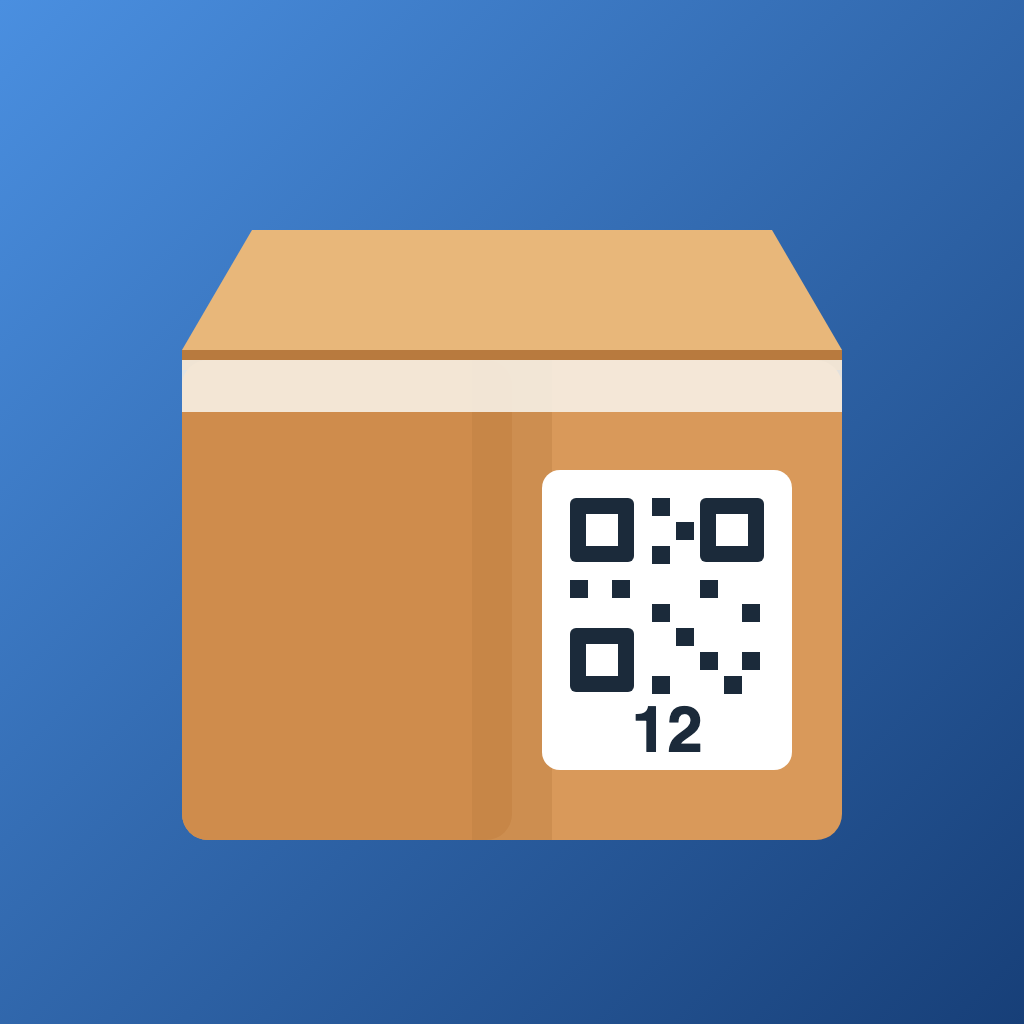
What the app does: Moving Binder (Umzugsmappe) keeps your boxes with QR labels and contents, so after the move you search instead of opening. A handover protocol with photos, meter readings, keys and both signatures on the screen. Meter readings with a photo as proof. A checklist with deadlines calculated from your moving day. Plus a cost list. Everything stays on your device, no account, no cloud, no ads.
Frequently asked questions
How do I record a box?
Tap "New box" in the Boxes tab. The number is assigned automatically, you choose the target room and marks like "Fragile", "Heavy" or "Unpack first". Photograph the open box before you tape it shut. Then add the contents with "Save and add contents": camera, name, done. Search terms like "kitchen, electric" help you find things later. "Save and add another" keeps things moving, the last box stays preselected.
How do I print labels and which formats are there?
Under Boxes › menu › "Labels and lists" you create an A4 PDF. You can choose from three common self-adhesive label formats: 8 per sheet (105 × 74 mm), 12 per sheet (105 × 48 mm) and 24 per sheet (70 × 37 mm). Or print on plain paper with cut lines. To continue on a partly used sheet, skip the labels that are already gone at the start. Each label shows the box number, room, marks and a QR code. Print directly through the system dialog, or send the PDF to your computer. Label sheets are part of Premium.
How do I find something after the move?
Type the name into the search on the home screen, for example "kettle". The result shows the box number, the target room and, if you set it, the room where the box currently stands, such as "Box 12, kitchen, standing in the bedroom". Scanning a box's QR label opens its contents. Mark boxes as arrived or unpacked to see the progress per room.
What is the box list per room?
A PDF with one page per room that you hang on the door in your new home. It lists every box that belongs in that room together with its contents. That way your helpers know what goes where without asking. You find it under Boxes › menu › "Labels and lists". Box lists are part of Premium.
Is the handover protocol legally valid?
A handover protocol is not required by law. But once both parties sign it, it becomes a document that serves as evidence of the condition of the home at handover. What is not in it counts as not present later. That is why the app locks the protocol after both signatures, dates every addendum and writes the date and time of signing into the PDF. Both sides should receive the PDF. The app does not provide legal advice. In a dispute, contact a tenants' association, a lawyer or a consumer advice centre.
Why is the protocol locked?
After both signatures nothing may change, otherwise the document would be worthless as evidence. So rooms, defects, meter readings and keys can no longer be edited. Later agreements, for example "drill holes filled on 2 July, checked by landlord", go in as addenda. Every addendum is dated automatically and appears in the PDF below the signatures.
How do I record meter readings?
In the Meters tab you add electricity, gas, cold and hot water, heating or heat meters for the old and the new home, with meter number, reading, date and a photo of the display. The photo is your proof. Export the readings as PDF or CSV for suppliers and landlord, and they belong in the handover protocol as well. With "Remind me on moving day" the app reminds you at 8:00 in the morning, before the furniture goes in.
Where do the checklist deadlines come from?
Each task has a typical lead time before or after the moving day, for example giving notice three months before or registering your new address two weeks after. The app calculates the actual date from that. If you change the moving day, the deadlines move along, except the ones you set yourself. The German edition names the underlying law or source for every task, as of 2026. In the other languages the checklist is kept general, because rules differ from country to country. Deadlines, fees and amounts can change, check your local rules. The app does not provide legal or tax advice.
How do reminders work?
In every checklist task, switch on "Remind me" and the app notifies you on the due date at 9:00. "Reminders for all deadlines" sets them for all open tasks at once. For the meters there is the reminder on moving day. All reminders are scheduled locally on your device, no server is involved. The app needs permission to show notifications for this.
Where is my data stored?
Only on your device. There is no account, no cloud and no server. Photos, signatures and addresses never leave your phone unless you share a PDF or a backup yourself, for example by email or AirDrop. Details in the privacy policy.
How do I back up my data or switch phones?
In Settings, "Create backup" writes everything into one file: boxes, contents, photos, protocols, meter readings, checklist and costs. Optionally protect the file with a password, then it is encrypted with AES. Without the password it cannot be restored, so remember it well. Save the file to Files, iCloud Drive or via AirDrop to your computer. On the new phone, install the app and choose "Restore backup". The box inventory inside the file can later be imported into our app "Wo ist was?" (Where's What?), so you still know where everything is long after unpacking.
What does the app cost?
The complete checklist, meter readings, up to 10 boxes and one handover protocol with a watermark in the PDF preview are free. Premium unlocks unlimited boxes, label sheets, box lists per room and unlimited protocols with PDF without watermark. You pay once, expected to be €9.99, or, if you write protocols regularly as a landlord or property manager, a yearly subscription expected to be €4.99 per year. Final prices are set by the store and shown to you before you buy. Subscriptions are managed and cancelled in your App Store account settings. Use "Restore purchases" in Settings to restore an earlier purchase.
How do I keep track of costs?
Under Costs you enter movers, van rental, boxes, deposit, renovation, mail forwarding and fees, and the app shows the total. Keep all invoices, depending on your country part of the moving costs may be tax deductible. The app does not provide tax advice.
Which languages does the app support?
German, English, Spanish, French, Italian, Portuguese, Dutch and Polish. You choose the language at first start or in Settings. The laws and sources in the checklist are available in the German edition.
How do I delete my data?
Delete a move in Settings under "Moves" or remove the app from your device. Since nothing is stored on servers, that removes everything. Send signed protocols to both parties as PDF before you do.
Contact
Questions, wishes or a bug? Write to support@bellwerk.com. We usually reply within two working days.